
INTRODUCTION
A “2-week website” is either a disciplined system—or a slow project wearing a fast timeline.
The difference is whether you’re using AI as leverage (synthesis, drafts, variations, QA) or as a decision-maker (brand, positioning, UX tradeoffs). The winning agencies aren’t replacing craft—they’re compressing the messy middle: the hours lost to blank pages, inconsistent copy, and rework.
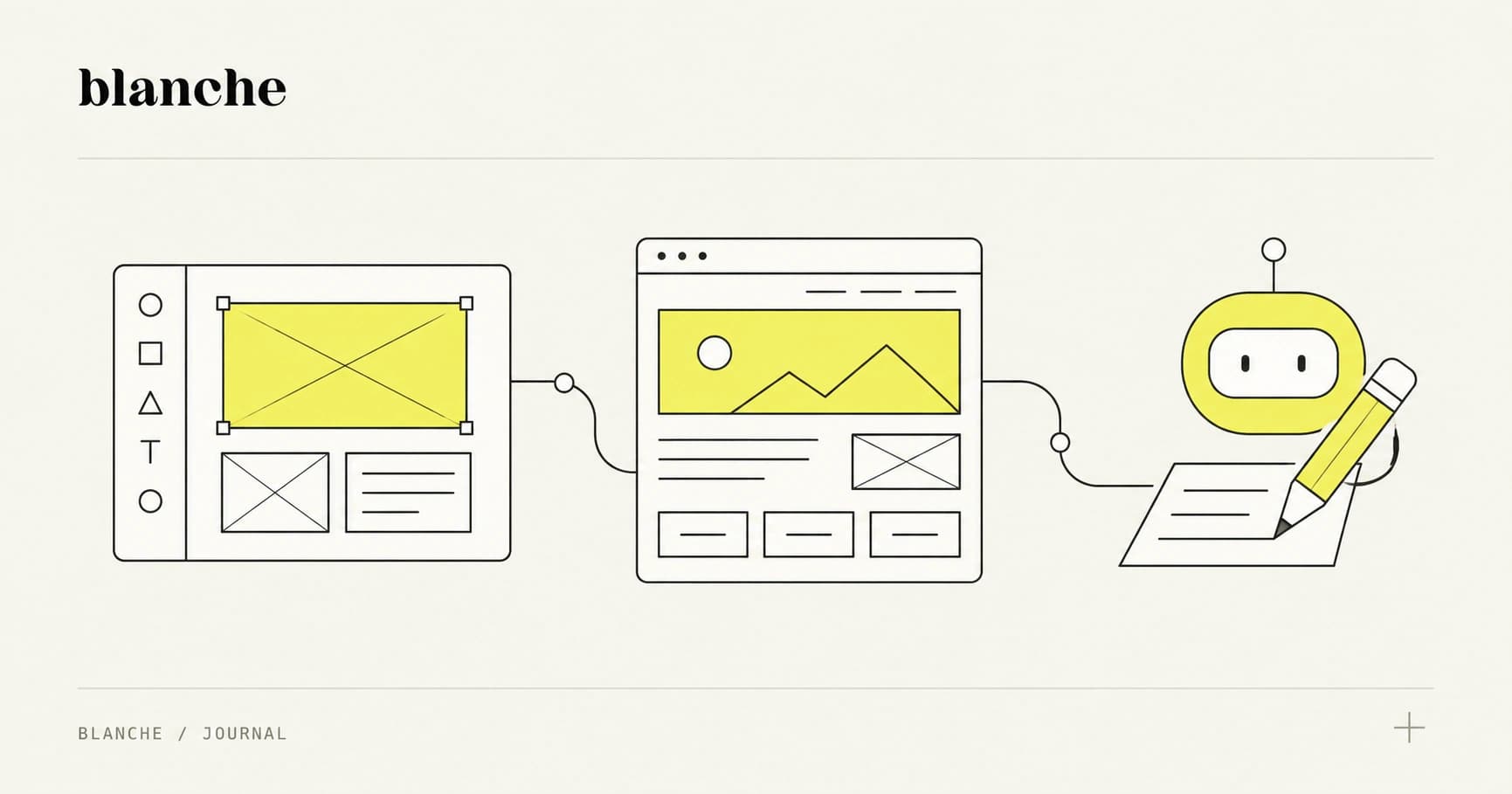
This playbook shows how to run an AI-first, human-led website sprint using Figma design systems, Webflow builds, and LLMs to accelerate discovery synthesis, information architecture, microcopy, and component variants—while keeping strategy, UX decisions, and approvals firmly in human hands.
Why AI-First Doesn’t Mean AI-Only
AI is great at producing options. Agencies get in trouble when they treat those options as answers.
Where AI actually helps (high leverage)
Use LLMs where speed matters and the cost of iteration is high:
- Discovery synthesis: turning transcripts, notes, and surveys into themes, risks, and opportunities
- IA and sitemap drafts: generating page lists, navigation candidates, and content models
- Page briefs: outlining each page’s goal, sections, proof points, and CTAs
- Microcopy + UX writing variants: button labels, form helpers, error states, onboarding copy
- Component variations: headline sets, feature bullets, testimonial framing, pricing explanations
- QA support: checklist-driven audits (accessibility, SEO basics, consistency)
Callout: AI is best when the output is reviewable and bounded—a draft you can critique, not a decision you delegate.
Where AI hurts (or creates expensive rework)
Don’t outsource the parts that require taste, accountability, or deep context:
- Brand strategy and positioning: AI can mirror competitors and flatten differentiation
- Final UX decisions: tradeoffs (conversion vs. clarity, novelty vs. familiarity) are human calls
- Visual identity: LLMs can’t see your market landscape the way a designer can
- Legal/compliance: AI can summarize requirements, but it can’t guarantee correctness
- Stakeholder alignment: you still need a real approval path, not “the model said so”
The core principle: AI accelerates throughput, humans own outcomes
An AI-first sprint works when you treat AI as:
- A junior strategist for synthesis and structure
- A copy assistant for first drafts and variants
- A QA copilot for systematic checks
…and never as the person signing off.
The 10-Day Sprint Timeline (Roles, Inputs, Outputs)
This is a 10 working-day template (two weeks) that assumes you’re building a marketing site or lightweight product site in Webflow—not a complex app.
Roles (lean but realistic)
- Project Lead / Producer: timeline, approvals, scope discipline
- Strategist (can be the lead): discovery, messaging, page goals
- Designer: wireframes, design system, key page designs
- Webflow Developer: component build, CMS, interactions, responsiveness
- Copy Lead (optional): final copy polish and voice consistency
- QA Owner (often the Webflow dev + lead): testing, accessibility, performance
Day-by-day sprint plan
Day 1: Discovery + alignment (fast, not shallow)
Inputs
- Stakeholder interview(s) (60–90 min)
- Existing assets: deck, brand guidelines, analytics, sales notes, competitor list
- Any existing copy or pages that must remain
Outputs
- One-page Sprint Brief: goals, audience, offer, constraints, success metrics
- Draft Messaging Ladder: value prop → proof → objections → CTAs
AI assist
- Summarize calls into themes and risks
- Generate a first-pass messaging ladder for review
Day 2: IA + page briefs
Inputs
- Sprint Brief
- Competitor references
- Any must-have pages
Outputs
- Sitemap + nav structure (v1)
- Page briefs for each page (goal, sections, proof, CTA)
AI assist
- Draft multiple sitemap options (simple vs. expanded)
- Write page briefs in a consistent format
Day 3: Wireframes (speed over aesthetics)
Inputs
- Page briefs
- Content model (what types of content repeat: features, testimonials, case studies)
Outputs
- Low-fidelity wireframes for core pages (usually Home + 1–2 key pages)
- Component inventory: hero, feature grid, logo wall, testimonials, FAQ, CTA, footer
AI assist
- Suggest section ordering based on page goal (educate vs. convert)
- Draft microcopy placeholders for wireframes
Day 4–5: Design system + key page designs in Figma
Inputs
- Wireframes
- Brand guidelines (or a minimal direction board)
Outputs
- Figma library: typography scale, color tokens, spacing, buttons, forms, cards
- Designed Home page + 1–2 templates (e.g., Case Study, Pricing, About)
AI assist
- Generate content variants to test layout stress (short vs. long headlines)
- Produce alternative tagline sets for stakeholder review
Day 6–8: Webflow build (components first, pages second)
Inputs
- Figma library + designs
- Component inventory
Outputs
- Webflow component system: symbols/components, classes, variables
- Responsive pages built from components
- CMS collections (if needed): case studies, blog, team, resources
AI assist
- Generate Webflow-ready copy blocks by section
- Provide QA checklists and edge cases (empty states, long names, missing images)
Day 9: Content polish + QA gates
Inputs
- Draft copy
- Build in staging
Outputs
- Final copy pass (voice, clarity, consistency)
- Accessibility, SEO, performance, and legal checks completed
AI assist
- Voice consistency review (flag off-tone sections)
- SEO titles/meta drafts and internal linking suggestions
Day 10: Launch + measurement setup
Inputs
- Approved staging
Outputs
- Production deployment
- Redirects (if redesign)
- Analytics events + baseline report
- Post-launch iteration backlog
Takeaway: The sprint succeeds when you lock inputs early (brief, IA, component inventory) and treat everything else as execution.
Toolchain: Figma Libraries + Webflow Components + LLM Assist
The goal isn’t “more tools.” It’s fewer handoffs and less rework.
Figma: design systems that build themselves
In Figma, you want a library that maps cleanly to Webflow:
- Type scale (e.g., 48/36/28/20/16/14) with clear usage rules
- Color tokens (primary, secondary, neutrals, semantic states)
- Spacing system (4/8/12/16/24/32/48, etc.)
- Components with variants: buttons (size + style), cards, nav, forms, badges
Practical tip: design components around content variability.
- A testimonial card should work with 1–3 lines or 6–8 lines.
- A feature grid should handle 3 items or 6 items.
- A hero should survive a long headline without breaking.
Webflow: components first, pages second
In Webflow, the fastest builds come from a stable component stack:
- Use Variables (where applicable) for colors and type
- Create a utility layer (spacing, layout, typography helpers)
- Build components (nav, hero, feature sections, FAQ, footer) as reusable patterns
- Only then assemble pages
Real-world references:
- Webflow’s own best practices on components and performance
- Using Lighthouse (Chrome DevTools) for performance baselines
- Accessibility checks with WAVE, axe DevTools, or ARC Toolkit
LLM assist: three prompt patterns that actually survive client approvals
The biggest failure mode with AI copy is that it’s either too generic or too “clever” to approve. The fix is to constrain outputs to formats that stakeholders can evaluate quickly.
1) Brand voice generator (usable, not poetic)
Use this to create a voice guide you can enforce across pages.
Prompt pattern
- Provide:
- Company description
- Audience segments
- Competitors and what to avoid sounding like
- 5–10 existing “good” lines (from sales decks, founder emails, current site)
- Ask for:
- A voice chart (traits + do/don’t)
- A messaging palette (approved phrases, banned phrases)
- 10 example headlines and 10 example CTAs
What to require in output
- No metaphors unless the brand already uses them
- Avoid superlatives unless backed by proof
- Include “plain language” alternatives
2) Page brief → section copy (approval-friendly)
Stakeholders approve structure faster than prose. Start with briefs.
Prompt pattern
- Input: page goal, primary CTA, target audience, top objections, proof points, required sections
- Output:
- Section-by-section outline
- For each section: headline options (5), supporting copy (1–2), bullets, CTA variants
- “Questions for client” list (missing proof, unclear claims)
Callout: The “questions for client” section saves days. It turns AI from a copy machine into a requirements detector.
3) UX microcopy matrix (reduces endless revisions)
Instead of writing microcopy ad hoc, generate it as a table.
Prompt pattern
- Input: form fields, validation rules, tone, compliance needs (e.g., consent)
- Output table:
- Field label
- Placeholder
- Helper text
- Error message
- Success message
- Privacy note (if needed)
This is where AI shines: lots of small strings, consistent tone, fewer missed states.
Governance: QA, Accessibility, SEO, and Approvals
Speed without governance is just faster chaos. Your sprint needs quality gates—non-negotiable checkpoints that prevent late-stage surprises.
Quality gate 1: Design-to-build alignment
Before Webflow build begins, confirm:
- Component inventory matches Figma
- Responsive rules are defined (what collapses, what stacks, what hides)
- CMS needs are confirmed (collections, fields, templates)
Actionable practice: run a 30-minute build kickoff where the Webflow dev reviews the Figma file and flags risks (e.g., heavy interactions, unusual layouts, missing states).
Quality gate 2: Accessibility baseline (WCAG-minded, not performative)
Minimum standards for most marketing sites:
- Color contrast meets WCAG AA where possible
- All interactive elements have visible focus states
- Forms have proper labels and clear errors
- Images have meaningful alt text (or empty alt for decorative)
- Headings follow a logical structure (H1 → H2 → H3)
Tools:
- axe DevTools for automated checks
- WAVE for quick visual audits
- Keyboard-only navigation test (manual, 10 minutes)
Quality gate 3: SEO basics (the boring stuff that wins)
You don’t need an enterprise SEO program to avoid common mistakes.
Checklist:
- Unique title tags and meta descriptions per page
- One clear H1 per page
- Clean URL structure and sensible internal linking
- Open Graph and Twitter card basics
- Image compression + descriptive filenames
- XML sitemap + robots.txt sanity check
If you’re migrating:
- Build a redirect map (old → new)
- Validate in Google Search Console post-launch
Quality gate 4: Performance budgets (set expectations early)
Agree on budgets before design polish gets out of control.
Example budgets for a marketing site:
- Lighthouse Performance: 80+ on mobile
- Total page weight: < 2 MB on key pages
- Avoid autoplay video backgrounds; use lightweight alternatives
Practical Webflow tips:
- Compress images (WebP/AVIF where supported)
- Limit heavy third-party scripts (chat widgets, heatmaps)
- Use interactions intentionally; avoid stacking multiple scroll effects
Quality gate 5: Legal and compliance review
This is where “move fast” can turn into “pay later.”
Baseline checks:
- Privacy policy and cookie consent (jurisdiction-dependent)
- Claims substantiation (avoid unverifiable “#1” statements)
- Accessibility statement (if relevant)
- Industry-specific requirements (health, finance, education)
Important: LLMs can draft policies, but legal counsel should review anything that creates liability.
Approval design: fewer meetings, clearer artifacts
Approvals stall when stakeholders are asked to approve “the website” as a blob.
Instead, get approvals in this order:
- Sprint Brief (goal + audience + offer)
- Sitemap/IA
- Wireframes (structure)
- Visual system (look/feel)
- Staging site (final QA)
Each approval should have:
- A single owner
- A deadline
- A clear definition of “approved”
What to Measure After Launch (and How to Iterate)
Launch is the end of the sprint—and the start of the system.
Measure what the site is supposed to do
Pick metrics tied to the site’s job, not vanity numbers.
Common post-launch metrics:
- Conversion rate on primary CTA (book a call, request demo, sign up)
- Lead quality (sales feedback, pipeline stage progression)
- Top landing pages and their engagement
- Form completion rate and drop-off fields
- Core Web Vitals trends (especially LCP and INP)
Tools:
- Google Analytics (or privacy-friendly options like Plausible)
- Search Console for indexing and query performance
- Hotjar / FullStory alternatives (used carefully due to privacy)
Turn insights into a 30-day iteration backlog
Within two weeks of launch, create a small backlog:
- 3 high-impact experiments (headline swap, CTA placement, proof section reorder)
- 3 UX fixes (form friction, mobile spacing, nav clarity)
- 3 content expansions (FAQ, comparison page, case study)
Use AI to accelerate iteration—not to guess
AI can help you:
- Draft A/B test variants (headlines, CTAs, section intros)
- Summarize user feedback and support tickets
- Propose new pages based on search queries and objections
But your team still decides:
- What to test
- What success looks like
- When a change is on-brand
Conclusion: The Sprint Is a Product
An AI-first workflow isn’t a trick to do more work with fewer people. It’s a way to build a repeatable delivery engine:
- Figma libraries that map to real components
- Webflow builds that prioritize reuse and performance
- LLM prompts that produce approval-friendly drafts
- Quality gates that protect your reputation
If you want to run this as a true agency system, start by productizing three things:
- A Sprint Brief template that forces alignment on day one
- A prompt library for voice, page briefs, and microcopy matrices
- A QA checklist that you run every single time
Your competitive advantage isn’t that you use AI. It’s that you can ship high-quality sites quickly, predictably, and with fewer surprises.
If you’d like, I can turn this into a copy-pastable sprint kit: a Notion/Google Doc brief, Figma library checklist, Webflow build conventions, and a prompt pack your team can reuse across clients.