
INTRODUCTION
A brutal truth: speed doesn’t matter if you’re sprinting in the wrong direction.
Venture studios win when they can repeatedly answer one question faster than everyone else:
“Is there real demand here—demand that shows up as time, trust, or money—before we commit to a full build?”
Founders often treat MVPs like mini-products. Studios treat MVPs like experiments with deadlines. The difference is process.
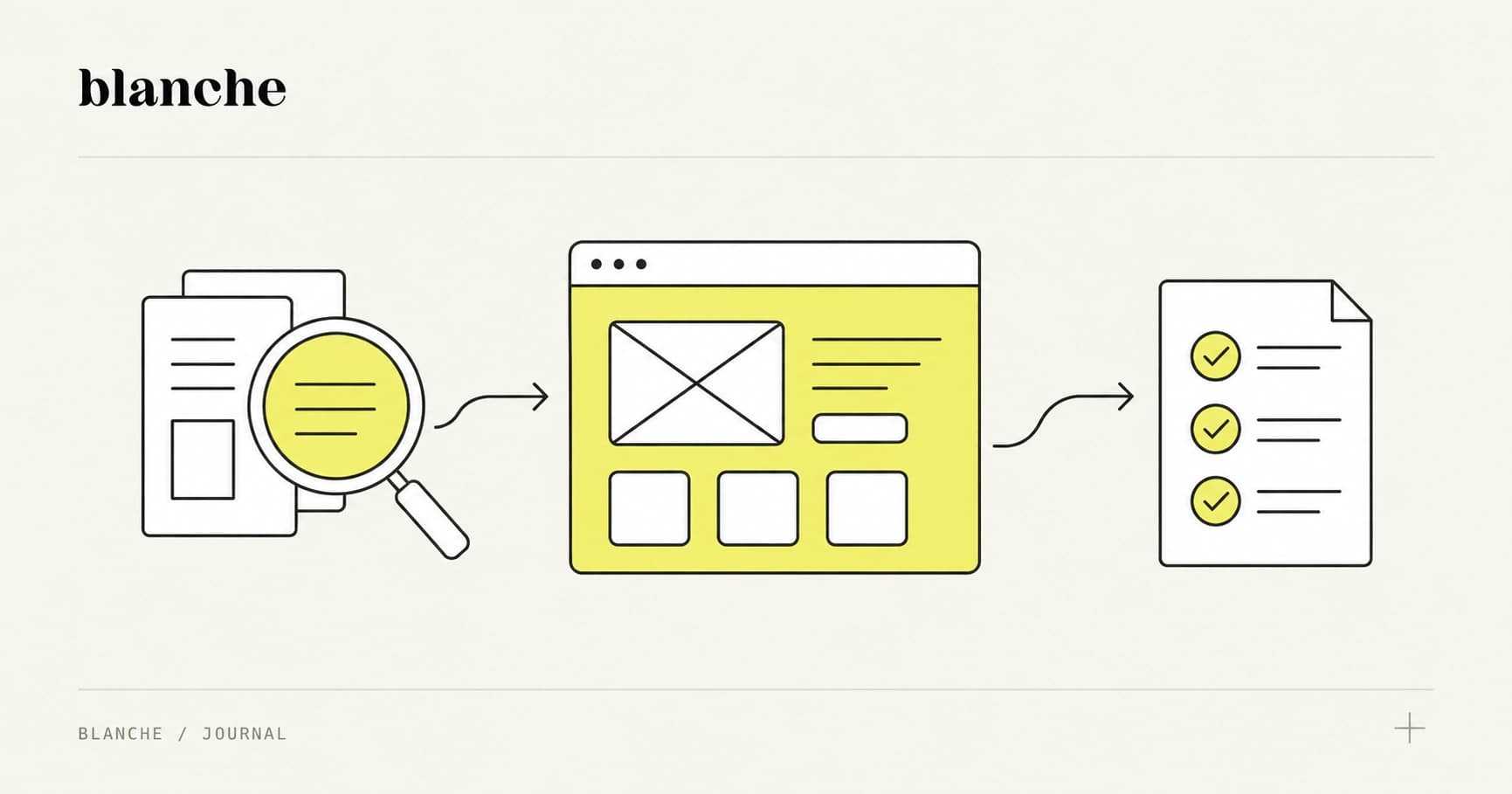
This article lays out a 4-week, studio-grade workflow for shipping MVPs in 30 days—using a pragmatic mix of Webflow/no-code, Next.js, and AI tooling—with clear decision gates so you know when to double down (and when to kill it).
Why studios win with process, not heroics
The “hero founder” myth is expensive. It leads to:
- Overbuilding (because building feels like progress)
- Under-testing (because testing feels like slowing down)
- Vague success criteria (because certainty is uncomfortable)
Studios have an advantage: repetition. You can standardize what works:
- A week-by-week plan with outputs, not activities
- A default stack that’s fast to assemble and easy to swap
- Decision gates that prevent sunk-cost momentum
- Validation methods that generate revenue signals—not just compliments
The goal isn’t to ship “an MVP.” The goal is to ship a learning loop that ends in a confident decision.
The studio definition of “MVP”
A studio MVP is not “the smallest version of the product.” It’s:
- The smallest system that can create and capture a demand signal
- The smallest product that can support a paid pilot
- The smallest experience that can prove (or disprove) the core value proposition
If your MVP can’t plausibly lead to money in 30 days, it’s likely too broad—or solving the wrong problem.
The 4-week MVP schedule (with outputs and decision gates)
This is the 30-day workflow we recommend for venture studios and fast-moving founders. Each week ends with a decision gate—a moment where you either proceed, pivot, or stop.
Week 1: Discovery (Days 1–7)
Outcome: a narrow problem, a clear ICP, and a testable promise.
This week is about choosing a fight you can win. The most common studio mistake is picking an idea that requires too much infrastructure to validate.
Deliverables
- ICP one-pager (role, company type, trigger event, existing workflow)
- Problem narrative (what’s broken, what it costs, why now)
- Value proposition (one sentence, measurable)
- Risk map (what must be true for this to work)
- MVP test plan (what you’ll test in Weeks 2–4)
Tactical approach
- Start with a “trigger”: what event makes someone actively search for a solution? (New compliance rule, headcount freeze, churn spike, new GTM motion.)
- Map the current workaround: if there’s no workaround, there’s often no urgency.
- Define the “hair on fire” metric: time saved, revenue gained, risk reduced.
AI in Week 1 (without hallucinating your way into confidence)
Use AI as a synthesis engine, not a truth engine.
- Feed it: interview notes, call transcripts, CRM notes, support tickets, Reddit threads, G2 reviews
- Ask it to: cluster themes, extract repeated phrases, identify objections
- Do not ask it: “Is this a good startup idea?”
Practical prompts that are safer:
- “Summarize the top 10 recurring pain points, with quotes and frequency counts.”
- “List objections mentioned, and what evidence would disprove each.”
Rule: if the output isn’t traceable back to a source you provided, treat it as a hypothesis—not a fact.
Decision gate (end of Week 1)
Proceed only if you can state:
- Who it’s for (specific buyer/user)
- What pain you solve (observable + costly)
- Why now (timing or trigger)
- How you’ll validate (what signal you’ll measure by Day 30)
If any of those are fuzzy, you don’t need more building—you need better discovery.
Week 2: Prototype (Days 8–14)
Outcome: a believable product experience that can be sold.
This week is about building the minimum surface area needed to:
- demo the workflow end-to-end
- collect leads
- charge money (even if fulfillment is manual)
Deliverables
- Landing page with a single CTA (book call / start trial / join pilot)
- Clickable prototype or live thin-slice workflow
- Analytics + event tracking
- Basic CRM pipeline (lead → call booked → pilot → paid)
Choosing the right build approach: Webflow vs Next.js vs hybrid
Use this decision framework:
Use Webflow / no-code when:
- You’re testing positioning and demand
- The product is workflow-light (forms, dashboards, content, simple logic)
- You need to iterate copy and layout daily
Common stack:
- Webflow (site + CMS)
- Airtable (data model)
- Zapier/Make (automation)
- Memberstack/Outseta (auth + billing if needed)
- Stripe Payment Links (fastest path to paid)
Use Next.js when:
- You need custom UX interactions or performance
- You’re building something API-first
- You expect the MVP to become the production foundation
Common stack:
- Next.js + Tailwind
- Supabase (auth + DB + storage)
- Stripe (billing)
- PostHog (product analytics)
Use a hybrid when:
- Marketing needs to move fast, product needs real code
- You want Webflow for pages, Next.js for app
A practical hybrid:
- Webflow for marketing + SEO
- Next.js for app routes
- Shared design system (Figma tokens → Tailwind config)
Studio heuristic: default to no-code for Week 2 unless a core risk depends on custom engineering.
AI in Week 2: UX copy, flows, and QA scaffolding
AI is excellent for:
- UX copy variants (headlines, empty states, onboarding)
- Microcopy consistency (tone, clarity, error messages)
- Edge case brainstorming (“How could this flow break?”)
Where it’s dangerous:
- Writing policy/legal claims
- Describing integrations that don’t exist
- Asserting ROI numbers without proof
A practical anti-hallucination workflow:
- Generate copy variants.
- Run a “truth pass”: highlight any claim that implies a fact (e.g., “save 10 hours/week”).
- Replace with testable language (“reduce time spent on X”) until you have data.
Decision gate (end of Week 2)
Proceed only if you can:
- demo the core workflow in under 3 minutes
- capture leads with a clear CTA
- explain pricing or pilot terms without apologizing
If your prototype needs a 20-minute explanation, it’s not a prototype—it’s a concept.
Week 3: Concierge validation (Days 15–21)
Outcome: proof that people will commit time, data, and urgency.
Week 3 is where most teams get uncomfortable, because it’s not about building. It’s about asking.
Concierge validation means you deliver the value manually behind the scenes while the user experiences a product-shaped interface.
Deliverables
- 10–20 target conversations (not “user interviews,” but sales/validation calls)
- A structured pilot offer
- A repeatable onboarding checklist
- Evidence artifacts (emails, LOIs, calendar invites, shared docs)
Validation methods that produce revenue signals
Compliments are not signals. These are signals:
- Deposits / paid pilots (strongest)
- LOIs with specific terms (timeline, scope, price)
- Calendar commitment (standing weekly meeting)
- Data access (they connect tools, share exports)
- Internal champion behavior (they introduce you to stakeholders)
If you’re hearing “This is cool,” but not getting any of the above, you have interest—not demand.
A simple concierge playbook
- Offer: “We’ll deliver X outcome in 14 days. You pay $Y. If we don’t hit the agreed metric, we refund.”
- Scope: one narrow use case, one persona, one workflow
- Fulfillment: manual + lightweight automation
Examples:
- For a sales ops tool: manually enrich leads, generate sequences, deliver a ready-to-run campaign
- For an analytics product: manually build the dashboard, then automate the refresh later
- For a compliance workflow: manually review docs and produce the report, then productize the checklist
AI in Week 3: call analysis and objection handling
Use AI to:
- summarize calls into a consistent format (pain, trigger, current workaround, willingness to pay)
- extract objections and classify them (trust, switching cost, budget, timing)
- generate follow-up emails based on the exact conversation
Operational tip: record calls (with permission), transcribe (Otter, Descript), then run structured extraction.
The point isn’t to “learn.” The point is to learn the same things across 10 conversations until patterns become undeniable.
Decision gate (end of Week 3)
Proceed only if you have at least one of:
- 2–3 customers willing to start a pilot within 2 weeks
- a clear price anchor (even if it’s a range) that doesn’t cause recoil
- repeated pain phrased in the customer’s words (not yours)
If you can’t get commitment, don’t “add features.” Change the offer, narrow the ICP, or pick a sharper pain.
Week 4: Paid pilot (Days 22–30)
Outcome: money changes hands and usage begins.
Week 4 is where you stop optimizing for learning and start optimizing for delivery. Your MVP should now behave like a business.
Deliverables
- Paid pilot agreement (simple, plain language)
- Onboarding flow + success checklist
- Weekly reporting (progress, outcomes, blockers)
- Post-pilot debrief + expansion path
How to structure a paid pilot that actually validates
A pilot should validate:
- Value: can you produce the desired outcome?
- Adoption: will they use it in their workflow?
- Willingness to pay: will they pay for continuation?
A strong pilot includes:
- A defined outcome metric (e.g., “reduce time-to-first-report from 5 days to 1 day”)
- A start/end date (2–4 weeks)
- A price (even if modest)
- A success review meeting on the calendar
Pricing guidance:
- If it’s B2B and painful, avoid “free.” Charge something to validate seriousness.
- If they won’t pay anything, you don’t have a pilot—you have a favor.
AI in Week 4: QA and reliability checks
AI can help you test faster, but you need guardrails.
Use AI for:
- generating test cases from user stories
- finding UX inconsistencies (“Where are we using different terms for the same thing?”)
- drafting support macros and troubleshooting guides
Avoid using AI as:
- the final arbiter of correctness
- a substitute for logging, monitoring, and basic QA discipline
Practical QA baseline (even for MVPs):
- error logging (Sentry)
- analytics events for core actions (PostHog)
- a simple status page or at least internal uptime checks
Decision gate (end of Week 4)
You’re allowed to scale engineering only when these are true:
- Revenue signal: at least 1–3 paid pilots or signed commitments with clear next-step conversion
- Retention signal: users return without you chasing them (weekly active use for the core action)
- Repeatability signal: onboarding and fulfillment can be repeated without bespoke heroics
- Clarity signal: you can articulate the product in one sentence that customers repeat back
If you don’t have these, your next hire isn’t a senior engineer—it’s more validation.
Tooling stack: no-code, code, and AI helpers (a pragmatic default)
Studios move faster with a default stack that’s “good enough” and composable.
No-code / rapid assembly
- Webflow: landing pages, CMS-driven content, fast iteration
- Airtable: flexible database for early workflows
- Make / Zapier: automation and glue
- Typeform / Tally: intake and qualification
- Stripe Payment Links: fast payments without full billing implementation
Lightweight code (when it matters)
- Next.js: custom app experiences
- Supabase: auth + Postgres + storage without overhead
- Vercel: deployment and previews
- Resend: transactional email
Analytics and feedback loops
- PostHog: event tracking, funnels, feature flags
- Hotjar: session recordings and heatmaps
- Sentry: error tracking
AI helpers (used intentionally)
- Research synthesis: call transcripts → themes → objections
- Copy iteration: landing page variants, onboarding, tooltips
- QA acceleration: test case generation, edge-case enumeration
Studio discipline: every AI output should be either (1) traceable to sources, or (2) explicitly labeled as a hypothesis.
Hand-off: turning an MVP into a scalable product (without rewriting everything)
The cleanest studio hand-off is not “here’s the MVP.” It’s “here’s the evidence and the architecture decision.”
What to document for the hand-off
- Validated problem + ICP (with quotes and examples)
- What was tested (and what failed)
- Core workflow (the thin slice that must remain fast)
- Metrics baseline (activation, retention proxy, conversion)
- Tech map (what’s no-code, what’s code, what’s manual)
How to graduate from MVP to product
Most MVPs need a deliberate transition plan:
- Replace manual steps with code only when they’re repeated and painful
- Keep Webflow (or equivalent) for marketing iteration even if the app becomes fully coded
- Use feature flags so you can keep shipping while stabilizing
A common graduation path:
- MVP: Webflow + Airtable + automation + manual fulfillment
- v1: Next.js + Supabase for core workflow, keep Webflow for marketing
- v2: hardened permissions, audit logs, integrations, scalability work
The mistake is jumping from MVP to “platform.” The win is going from MVP to repeatable value delivery.
The 30-day studio advantage (and how to start this week)
You don’t need more time. You need tighter loops and stronger gates.
If you want to run this workflow immediately, do these three things today:
- Write your one-sentence promise: “We help [ICP] achieve [measurable outcome] without [current workaround].”
- Pick your Week 4 revenue signal: deposit, paid pilot, or signed LOI with terms.
- Choose your build approach for Week 2: Webflow/no-code by default, Next.js only if it’s a core risk.
The studio superpower isn’t building fast. It’s deciding fast—based on evidence.
If you want a second set of eyes on your 30-day plan (ICP, gates, stack, and pilot offer), ship your one-sentence promise and your Week 4 metric, and we’ll pressure-test it like a studio would.