
INTRODUCTION
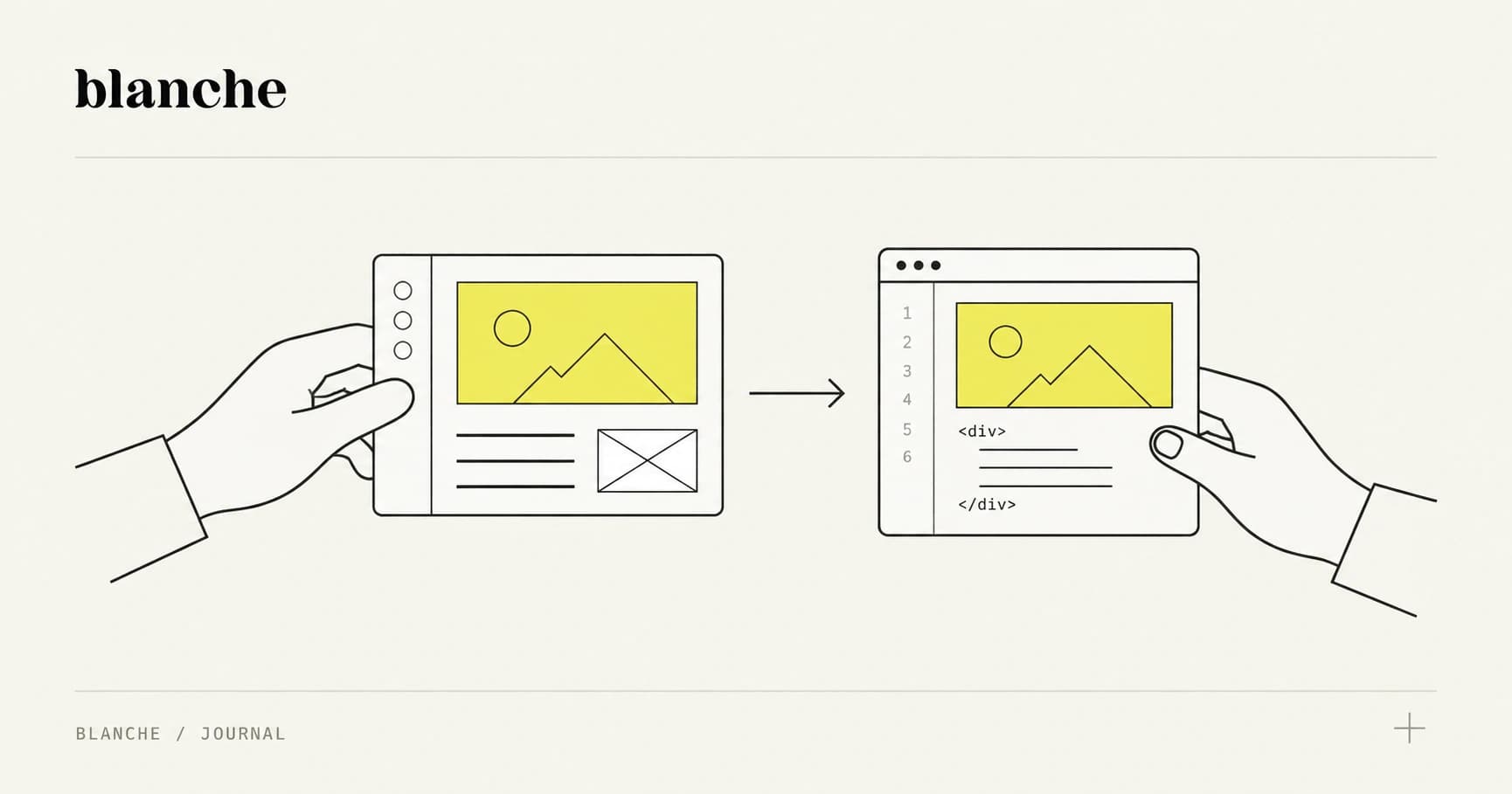
A Webflow prototype can get you to real customers in days. The mistake is treating the next step as a “rebuild.” The win is treating it as a handoff—a deliberate transition where your design system, content model, and SEO equity survive the move.
This article lays out a repeatable workflow for agencies, product teams, and technical PMs to go from no-code validation to a production-grade codebase with clear decision points, migration patterns, and a project plan that keeps stakeholders aligned.
1) Why No‑Code‑to‑Code Is Becoming the Default
The modern product funnel rewards teams that can:
- Ship a believable v1 quickly (so you can learn)
- Instrument and measure (so you know what to change)
- Scale the parts that work (so you can grow)
Webflow is ideal for step 1. A production app stack (Next.js/Remix, Vercel/Fly.io, Postgres, auth, background jobs) is ideal for step 3. The “default” workflow is emerging because it matches how products actually get built: marketing + UX first, systems later.
What’s changed in the last few years is the connective tissue:
- Modern frontends (Next.js, Astro, Remix) make it easy to mix static pages, dynamic routes, and server actions.
- Headless CMS options (Contentful, Sanity, Storyblok, Strapi) make content portable.
- Design system tooling (Figma variables, tokens, component libraries) makes UI transferable.
- AI-assisted engineering speeds up migration work—but only if the underlying architecture is planned.
The real shift: teams aren’t choosing “no-code vs code.” They’re choosing where code creates leverage—and where it’s just overhead.
Concrete takeaway: treat Webflow as a high-fidelity validation and content system, not as a dead-end. Your goal is to design a path where every week of Webflow work reduces future engineering cost, instead of increasing it.
2) A Decision Matrix: When Webflow Is Enough
Before you migrate anything, decide what should remain in Webflow and what must move to code. Most teams default to extremes—either “keep everything in Webflow forever” or “export and rebuild everything.” The better answer is usually a split.
What Webflow is excellent at
Webflow tends to remain the best home for:
- Marketing pages (landing pages, pricing, about, careers)
- SEO-driven content (blog, case studies) when requirements are standard
- Fast iteration by non-engineers
- Brand consistency when the design system is well-structured
If the site is primarily a content + conversion engine, Webflow can be the production platform.
What typically must move to code
Webflow becomes painful when you need:
- Authentication + user accounts (RBAC, orgs, SSO, magic links)
- Complex data relationships (many-to-many, deep filters, personalization)
- High scale or performance constraints beyond typical marketing traffic
- Advanced SEO control (edge rendering strategies, programmatic pages at scale, custom schema pipelines)
- Security and compliance needs (audit trails, fine-grained access, data residency)
A practical decision matrix
Use this quick scoring model in discovery. Rate each dimension 1–5 (1 = simple, 5 = complex). If you’re consistently at 4–5, plan for code.
-
SEO complexity
- 1–2: standard pages + blog
- 4–5: programmatic SEO, localization at scale, custom rendering, complex schema
-
CMS complexity
- 1–2: simple collections, few relationships
- 4–5: workflows, localization, content reuse, multi-channel publishing
-
User experience
- 1–2: mostly public pages, simple forms
- 4–5: logged-in dashboards, personalization, real-time updates
-
Data + integrations
- 1–2: Zapier/Make, basic CRM sync
- 4–5: event pipelines, bi-directional sync, complex business logic
-
Operational needs
- 1–2: lightweight maintenance
- 4–5: SLAs, staging environments, automated tests, observability
Rule of thumb: keep Webflow where content velocity matters most; move to code where business logic and system guarantees matter most.
Concrete takeaway: decide the split early, then design the architecture around it. Your migration strategy is a product decision as much as a technical one.
3) Design System Prep for a Smooth Handoff
Most “rewrites” happen because the design system doesn’t survive contact with engineering. The fix is to treat Webflow as a design system implementation, not just a page builder.
Start with tokens that map to code
Define a minimal token set that can be mirrored in CSS variables or a token pipeline (Style Dictionary, Tokens Studio):
- Color tokens:
color-bg,color-surface,color-text,color-primary,color-danger - Type tokens:
font-sans,text-sm,text-base,text-lg,text-xl - Spacing tokens:
space-1,space-2,space-3,space-4,space-6,space-8 - Radius + shadow tokens:
radius-sm,radius-md,shadow-sm,shadow-lg
In Webflow, this becomes consistent use of variables (where available), utility classes, and a disciplined naming scheme.
Actionable advice: if you can’t describe your UI with tokens, you don’t have a system—you have a collection of one-off decisions.
Build components like you plan to re-implement them
Treat Webflow components as the “spec” for code components:
- Buttons (primary/secondary/tertiary + states)
- Form inputs (text, select, checkbox, error states)
- Cards (image + title + meta)
- Navigation (desktop + mobile behavior)
- Modals, toasts, banners (even if initially static)
In code, these map cleanly to a component library (React + Tailwind, CSS Modules, Panda CSS, etc.).
Naming conventions that reduce translation cost
Webflow class naming can either accelerate or sabotage migration.
Recommended patterns:
- Component prefixing:
c-nav,c-card,c-pricing-table - Utility classes:
u-mt-4,u-text-center,u-hide-mobile - State modifiers:
is-active,is-loading,has-error
Avoid:
- Styling by page name (
home-hero-left-2) - Deeply nested “visual” names (
blue-button-14px)
Content model discipline (even if you stay in Webflow)
If the app will eventually move to a headless CMS, design your Webflow CMS collections as if they were API resources:
- Keep fields atomic (don’t cram multiple concepts into one rich text field)
- Use references where relationships matter
- Define required vs optional fields and document them
Concrete takeaway: your future engineering team should be able to look at your Webflow build and say, “I see the token system, I see the components, I see the content model.” That’s how you avoid rebuilding from scratch.
4) Migration Paths (Export, Headless, Hybrid)
There isn’t one “Webflow to code” migration. There are three dominant patterns—each with different tradeoffs.
Path A: Static export (fastest, but limited)
What it is: export Webflow HTML/CSS/JS and host it elsewhere, often integrating with a framework.
Best for:
- Marketing sites that need custom hosting, security headers, or edge/CDN tuning
- Teams that want to keep the exact front-end output and iterate less frequently
Reality check: Webflow export won’t give you Webflow CMS or interactions in a clean, maintainable way. You’re essentially freezing the site.
Typical stack:
- Exported assets + Next.js/Astro wrapper
- Deployed on Vercel/Netlify/Cloudflare Pages
Concrete takeaway: choose export when the site is mostly stable and you need infrastructure control more than content velocity.
Path B: Headless CMS migration (portable content, scalable app)
What it is: move content out of Webflow CMS into a headless CMS, then rebuild the front-end in code.
Best for:
- Content-heavy products with multiple channels
- Teams that need roles, workflows, localization, and structured content
- Products where marketing and app content need to share a system
Common CMS choices:
- Sanity (flexible schemas, great editorial experience)
- Contentful (enterprise workflows)
- Storyblok (visual editing)
- Strapi (self-hosted)
How to avoid pain:
- Define content schemas first (based on your Webflow collections)
- Migrate content with scripts (CSV export + import, or API-based migration)
- Rebuild templates in code using your token/component system
If you’re migrating to headless, do not “lift and shift” rich text blobs. Structure the content so it can evolve.
Concrete takeaway: headless is the most future-proof path if content is strategic and the app will grow.
Path C: Hybrid architecture (keep Webflow for marketing, code for app)
What it is: Webflow remains the marketing site; the application lives on a separate codebase (often on a subdomain like app.company.com), or is integrated via reverse proxy.
Best for:
- Startups that need marketing agility and app scalability
- Agencies that want clear ownership boundaries
- Teams that want to keep Webflow editors productive
Key decisions in hybrid:
- Domain strategy:
company.com(Webflow) +app.company.com(code) is simplest. - Shared design system: tokens and components must match across both.
- Analytics continuity: consistent event naming, cross-domain tracking.
- SEO boundaries: keep indexable marketing content on the root domain.
Typical stack:
- Webflow for marketing
- Next.js/Remix app on Vercel/Fly.io
- Auth via Clerk/Auth0/Supabase Auth
- Data via Postgres (Supabase/Neon) + ORM (Prisma/Drizzle)
Concrete takeaway: hybrid is often the best “no regrets” move—especially when you need to keep shipping marketing experiments while engineering hardens the app.
5) Project Plan: Phases, Budgets, and Stakeholder Alignment
The rewrite trap happens when teams plan a migration as one big bang: “We’ll rebuild it in 10 weeks, then launch.” That’s how you end up with missed timelines, scope creep, and a product that’s stale by launch.
A better approach is a phased plan with measurable outcomes.
Phase 0: Handoff readiness (1–2 weeks)
Goal: make the Webflow build legible and transferable.
Deliverables:
- Token inventory (colors/type/spacing) + mapping to CSS variables
- Component inventory (list + variants + states)
- Content model map (collections → future schemas)
- Analytics/event baseline (what you measure now)
Success metric: engineering can estimate migration without guessing.
Phase 1: Architecture + foundations (1–3 weeks)
Goal: build the skeleton that de-risks everything else.
Deliverables:
- Repo setup, CI/CD, environments (dev/stage/prod)
- Design system starter (tokens + base components)
- Routing strategy (marketing vs app)
- Observability baseline (Sentry, logging, performance budgets)
Success metric: you can ship safely, repeatedly.
Phase 2: “Thin slice” launch (2–6 weeks)
Goal: migrate one end-to-end user journey.
Examples:
- Pricing → signup → onboarding → first key action
- Blog → lead form → CRM sync → confirmation
Deliverables:
- Working auth (if needed)
- Real data path (database + API)
- One production-ready UI flow
Success metric: a real user can complete the journey; you can measure conversion and failures.
Phase 3: Incremental migration (ongoing, milestone-based)
Goal: move the rest without stopping the business.
Approach:
- Migrate page groups or features in priority order
- Keep Webflow running where it still wins
- Retire sections only when the code replacement is proven
Success metric: each milestone reduces operational risk or unlocks growth.
Client Communication: Scope, Ownership, and Maintenance
No-code-to-code projects fail as often on communication as on technology. Agencies and studios need to make the “rules of the road” explicit.
Set expectations with a simple ownership model
Define who owns what after launch:
- Webflow ownership: who edits, who publishes, who maintains components
- Codebase ownership: who merges PRs, who handles incidents, who updates dependencies
- Design system ownership: who approves new components/tokens
If ownership isn’t explicit, every future change becomes a negotiation—and velocity dies.
Scope the migration by outcomes, not pages
Instead of “migrate 25 pages,” scope like:
- “Reduce time-to-publish for marketing pages to < 1 day”
- “Support 10k MAU with < 1% error rate on core flow”
- “Enable role-based access for 3 user types”
This keeps stakeholders aligned when details change.
Budgeting guidance agencies can actually use
A pragmatic way to structure budgets:
- Discovery + readiness (fixed)
- Foundations (fixed)
- Thin slice (fixed)
- Incremental migration (time & materials with milestone caps)
This prevents an open-ended “rebuild” while still allowing learning.
Maintenance: define the operational baseline
Spell out what “production-ready” means:
- Monitoring (Sentry), uptime checks, error budgets
- Performance targets (Core Web Vitals where relevant)
- Security updates cadence
- Backups and disaster recovery (for data)
Concrete takeaway: the best handoffs don’t just move UI—they move responsibility safely.
Conclusion: A Handoff, Not a Rewrite
The fastest teams aren’t the ones who avoid code or avoid no-code. They’re the ones who treat each tool as a stage in a deliberate pipeline.
If you want a repeatable no-code-to-code workflow:
- Decide the split (what stays in Webflow vs what moves)
- Prepare the system (tokens, components, content models)
- Choose a migration pattern (export, headless, or hybrid)
- Execute in phases (thin slice first, then incremental)
- Align ownership (maintenance is part of the product)
When you do it this way, Webflow isn’t a prototype you throw away—it’s the first production asset in a system that can scale.
Want a practical next step? Run a 60–90 minute “handoff readiness” workshop with your team: inventory tokens/components/content, score the decision matrix, and pick a migration path. You’ll leave with a plan you can estimate—and a roadmap stakeholders can trust.