
INTRODUCTION
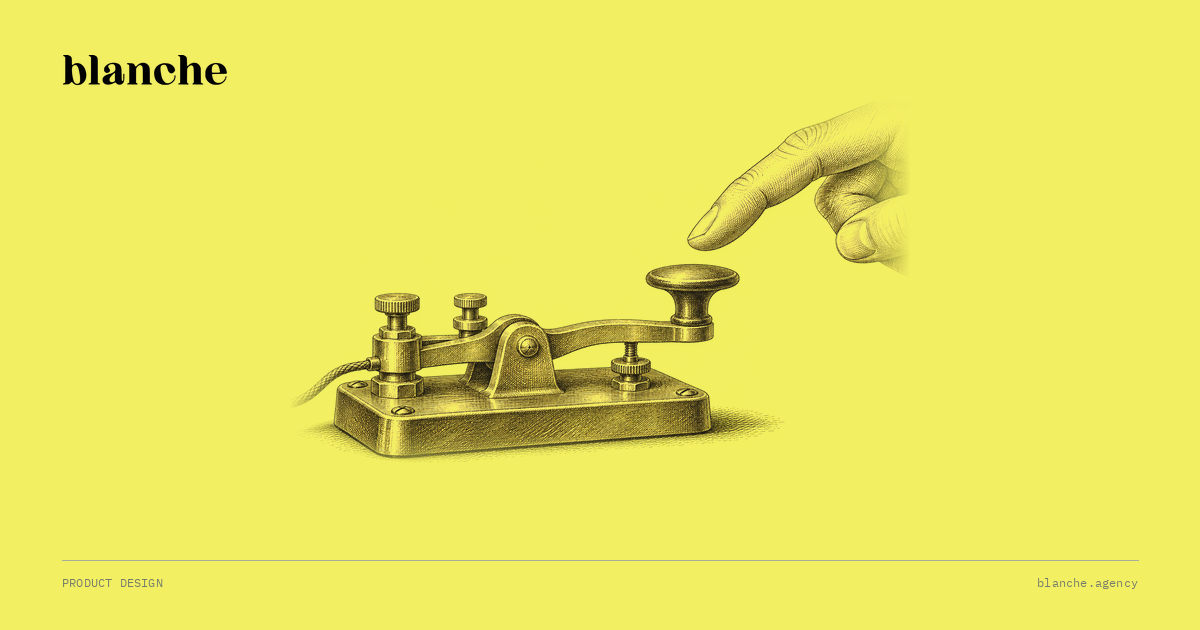
Everyone has done it: you put your thumb on the wrong button, notice before lifting it, slide off and let go. Nothing happens. That small escape hatch is so ordinary that most people never think about it, and most teams never notice when they remove it. It disappears the moment a product runs an action when the finger lands instead of when it lifts.
WCAG 2.2 protects that escape hatch with a Level A success criterion, 2.5.2 Pointer Cancellation. Level A is the baseline, the tier most accessibility commitments start with. This article explains what the criterion asks, how teams break it without meaning to, when acting on press is legitimate, and what a product team should decide.
What the criterion asks
For anything that can be operated with a single pointer, such as a mouse click or a tap, the W3C's Understanding document for 2.5.2 requires at least one of four things to be true:
No down-event: pressing does not execute any part of the function.
Abort or undo: the function completes on release, and there is a way to abort it before completion or undo it afterwards.
Up reversal: releasing reverses whatever pressing did.
Essential: completing the function on press is essential.
The first option is the simplest. On a touchscreen, activation on release only happens when the finger lifts while still inside the target; with a mouse, when the button is released over the same element. Move away first and the action is cancelled. The W3C points out that the ordinary click event in JavaScript already works this way, and that despite its name it also fires for touch and keyboard.
Why it matters more than it seems
Accidental presses are not rare edge cases. Tremor, limited dexterity, low vision, a moving bus or a phone held in one hand all make the first contact with a screen less precise than the decision behind it. Release-based activation turns that imprecision into something recoverable. People see the pressed state, realise it is the wrong control and slide away. The W3C lists people with visual, cognitive and motor disabilities among those who benefit, and frames the benefit simply: it makes it easier for anyone to recover from hitting the wrong target.
How teams break it without meaning to
Hardly anyone sets out to act on press. It usually arrives through one of these doors:
A handler on
pointerdown,mousedownortouchstartwritten to make a button feel faster, which then does the real work instead of only showing feedback.A gesture or carousel library that commits a selection when the finger touches a card.
A menu that opens on press and selects whichever item is under the pointer when the menu appears.
A destructive control, such as delete or send, wired to the same fast path as a harmless toggle.
Drag and drop is a special case because it needs the press to pick something up. The criterion is satisfied when the drop happens on release and the person can abort, for instance by releasing outside a valid target so the item returns to where it was, or can undo the move afterwards. That pairs with the separate requirement that every drag needs a second way to move.
The serious counterargument: latency
The strongest case for acting on press is speed. A press-triggered action can feel snappier, and in some interfaces it really is the right behaviour. The W3C acknowledges this directly. Functions that emulate a keyboard or numeric keypad key are considered essential, because a physical key types on press. An on-screen piano has to sound when the key goes down, and a game that depends on precise timing cannot wait for release.
The mistake is to generalise from those cases to ordinary buttons. A button that saves, buys, sends or deletes gains a fraction of a second at most by acting on press and loses the one moment where a person can change their mind. A better way to make it feel fast is to show the pressed state immediately on press, and run the action on release. Feedback on the down-event, consequences on the up-event.
The other exceptions are narrower than they look. “Up reversal” covers press-and-hold previews, where something appears while the finger is down and disappears when it lifts. “Abort or undo” is useful for complex interactions, but an undo button is not an excuse to act on press: the criterion asks for completion on release in that case too.
A worked example
Hypothetical example. A team ships a photo-sorting screen where tapping a thumbnail moves it to an archive. To make the grid feel instant, the move runs on touchstart. Support tickets start arriving from people who archived photos while scrolling: their thumb landed on a thumbnail on the way to a swipe.
The fix has three parts. The thumbnail shows a pressed state on touch but archives on release, only if the finger is still inside it, so a scroll cancels. A short undo appears after each archive. And the team searches the codebase for other down-event handlers, finds a delete button in the settings screen wired the same way, and moves it to click as well.
The decision to make
Treat press as a signal for feedback and release as the moment of commitment. Make that a component-level rule, not a case-by-case choice, so new buttons inherit it. Keep a short, written list of the controls that genuinely need to act on press, such as a keypad or an instrument, and check that each one fits the essential exception.
As a first step, search your code for pointerdown, mousedown and touchstart, and for each handler ask one question: does it change anything beyond how the control looks while it is pressed? If it does, move that work to release.
Sources checked on 26 November 2026: W3C, Understanding Success Criterion 2.5.2: Pointer Cancellation (WCAG 2.2), including its intent, exceptions, examples and the note on the click event.